
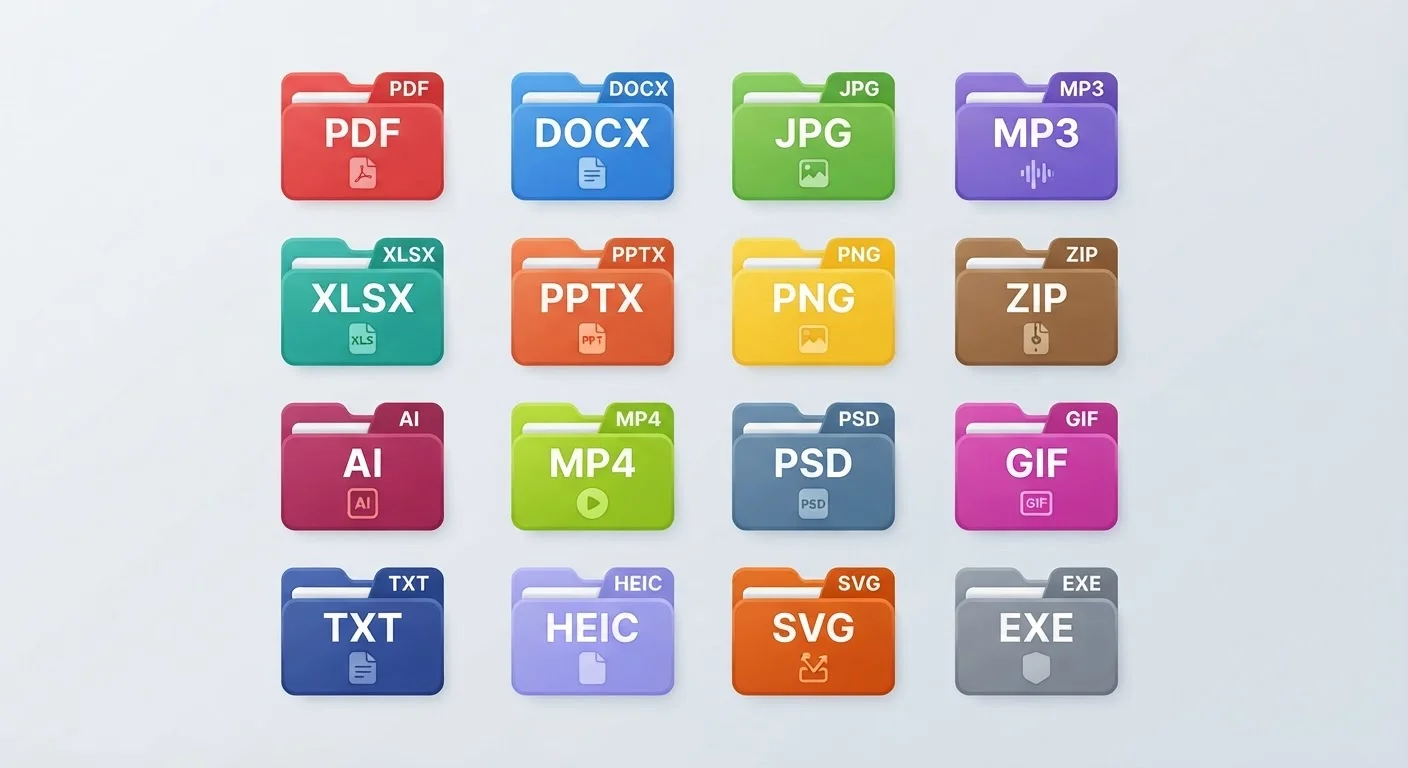
What a File Extension Actually Is
That cluster of letters after the dot in a filename - .pdf, .jpg, .docx - is called a file extension. It's a short code that tells your operating system (and you) two important things: what kind of data the file contains, and which program is designed to open it.
Without an extension, your computer would have to guess how to handle every file you double-clicked. Extensions remove that guesswork. When you see report.docx, Windows or macOS immediately knows to route it to a word processor. When you see photo.jpg, it opens in an image viewer.
Extensions also travel with the file when you share it. If you email a .pdf to a colleague, they'll be able to open it regardless of whether they use a Mac or a PC, as long as they have compatible software installed.
| What extension means | Letters after the dot in a filename that identify the file type |
| Most common document format for sharing | .pdf - preserves layout across all devices |
| Best image format for photos | .jpg - small file size, wide compatibility |
| Best image format for logos/graphics | .png - supports transparency, lossless quality |
| Universal compressed archive | .zip - opens natively on Windows and macOS |
| Caution-required extension | .exe - only run from fully trusted sources |
The Most Common File Extensions Explained
Knowing what each extension stands for helps you troubleshoot "can't open" errors and choose the right format when saving your own work.
File extension
The letters that appear after the dot in a filename (e.g., .jpg, .pdf). They tell your operating system what kind of data the file contains and which program should open it.
File format
The specific way data is organized and stored inside a file. The extension is an outward label; the format is the internal structure that software must understand to read it.
Compression
A method of reducing file size by encoding data more efficiently. Lossy compression (used in .jpg) discards some data permanently; lossless compression (used in .png and .zip) preserves all original data.
Executable file
A file (commonly .exe on Windows) that contains a program your computer can run directly. These require extra caution because running an untrusted executable can harm your system.
Archive format
A format like .zip or .rar that bundles multiple files into one compressed package for easier storage or transfer. The contents must be extracted before individual files can be used normally.
XML (in .docx, .xlsx)
Extensible Markup Language - a structured text format used to store data. Modern Office formats use XML internally, which makes them more compatible with third-party software.
Document Formats
- .pdf - Portable Document Format. Created by Adobe, it preserves formatting exactly so the file looks the same on any device. Ideal for sharing finalized documents.
- .docx - Microsoft Word's default format since 2007. The "x" stands for XML, the underlying structure. Most word processors, including free ones like Google Docs, can open it.
- .txt - Plain text. No formatting, no fonts - just characters. Opens in almost any app, including Notepad. Great for simple notes or code.
- .xlsx - Microsoft Excel's spreadsheet format. Like .docx, the "x" indicates XML and it's widely compatible with other spreadsheet apps.
Image Formats
- .jpg / .jpeg - The standard for photos. Uses compression to keep file sizes small, which means some quality is lost each time you save over it.
- .png - Better for graphics, logos, and screenshots. Supports transparent backgrounds and doesn't lose quality on each save.
- .gif - Supports simple animations and is limited to 256 colors. Still popular for short, looping clips online.
- .webp - A modern image format designed for the web. Smaller file sizes than JPEG or PNG at comparable quality.
Audio and Video Formats
- .mp3 - Compressed audio. The go-to for music and podcasts because files stay small.
- .mp4 - The most widely supported video format. Works in browsers, phones, and media players alike.
- .wav - Uncompressed audio. High quality but large file sizes, often used in recording and editing.
Compressed and System Formats
- .zip - A compressed archive that bundles one or more files into a single, smaller package. Both Windows and macOS can open zip files without extra software.
- .exe - An executable program file for Windows. Only open .exe files from sources you trust completely.
Be Careful with .exe and Unknown Extensions
Executable files (.exe) and script files (.bat, .vbs) can run code on your computer the moment you open them. Never open files with these extensions sent unexpectedly via email or downloaded from unfamiliar websites. A double extension like document.pdf.exe is a red flag - the file is a program, not a PDF. When in doubt, scan the file with your device's built-in security software before opening.
When Extensions Cause Problems - and How to Fix Them
The most common extension-related issue is a file that won't open. This usually means your device doesn't have software that recognizes that format. For example, if someone sends you a .pages file (Apple's word processor format) and you're on Windows, you'll need to ask them to export it as a .docx or .pdf instead.
Another common situation: you accidentally change an extension when renaming a file - say, removing the .jpg part - and suddenly your image viewer doesn't recognize it. You can usually fix this by adding the correct extension back to the filename.
On Windows, file extensions are sometimes hidden by default. To show them, open File Explorer, click View, then check File name extensions. On a Mac, go to Finder > Settings > Advanced and check Show all filename extensions. Seeing extensions at all times makes it easier to spot mismatches and potential security risks - malicious files sometimes disguise themselves with double extensions like invoice.pdf.exe.
If you regularly receive an unfamiliar format, free tools like VLC (for media) or online file converters can often bridge the gap. When in doubt, search for the extension plus the word "open" to find compatible software.
