Search
Enter at least 3 characters
Simple explanations for common computer tasks, apps, and software.
Updated daily · 16 stories

By Technology Editorial Team · 6 min read
Both options protect your files, but they work very differently. Here's an honest comparison to help you decide what fit…
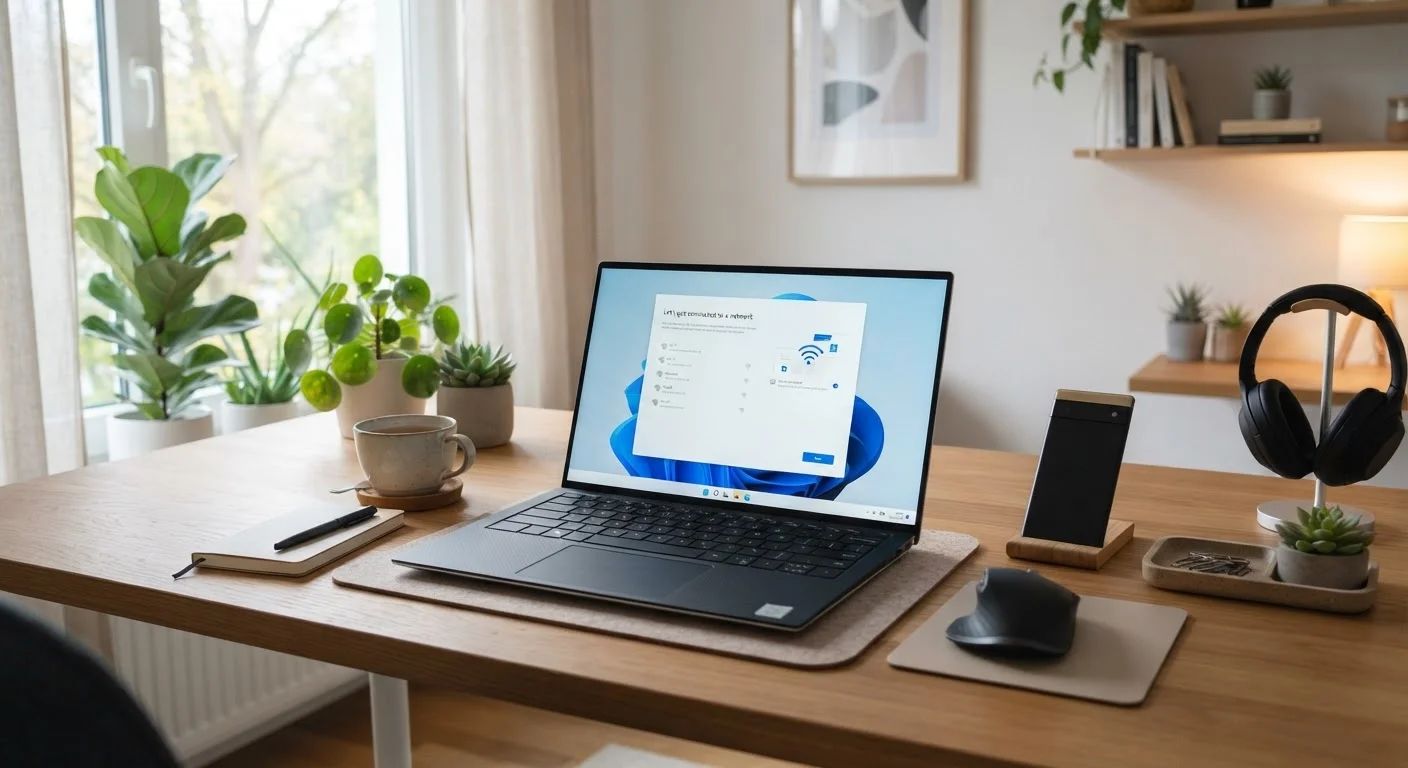
A thorough, jargon-free resource covering how Wi-Fi works, what slows it down, and how to diagnose connection problems a…
Losing files to a crashed drive is avoidable. This guide walks through a simple, reliable backup approach any PC owner c…
Good password habits don't require memorizing random strings. Here are proven approaches to keeping accounts secure and …
Most people use a fraction of the shortcuts available on their keyboard. These are the ones that actually save time acro…
What is an operating system, why does it matter, and how do Windows, macOS, and Linux compare? Start here if you're just…
These terms get used interchangeably, but they describe very different threats. Here's a clear breakdown of each and how…
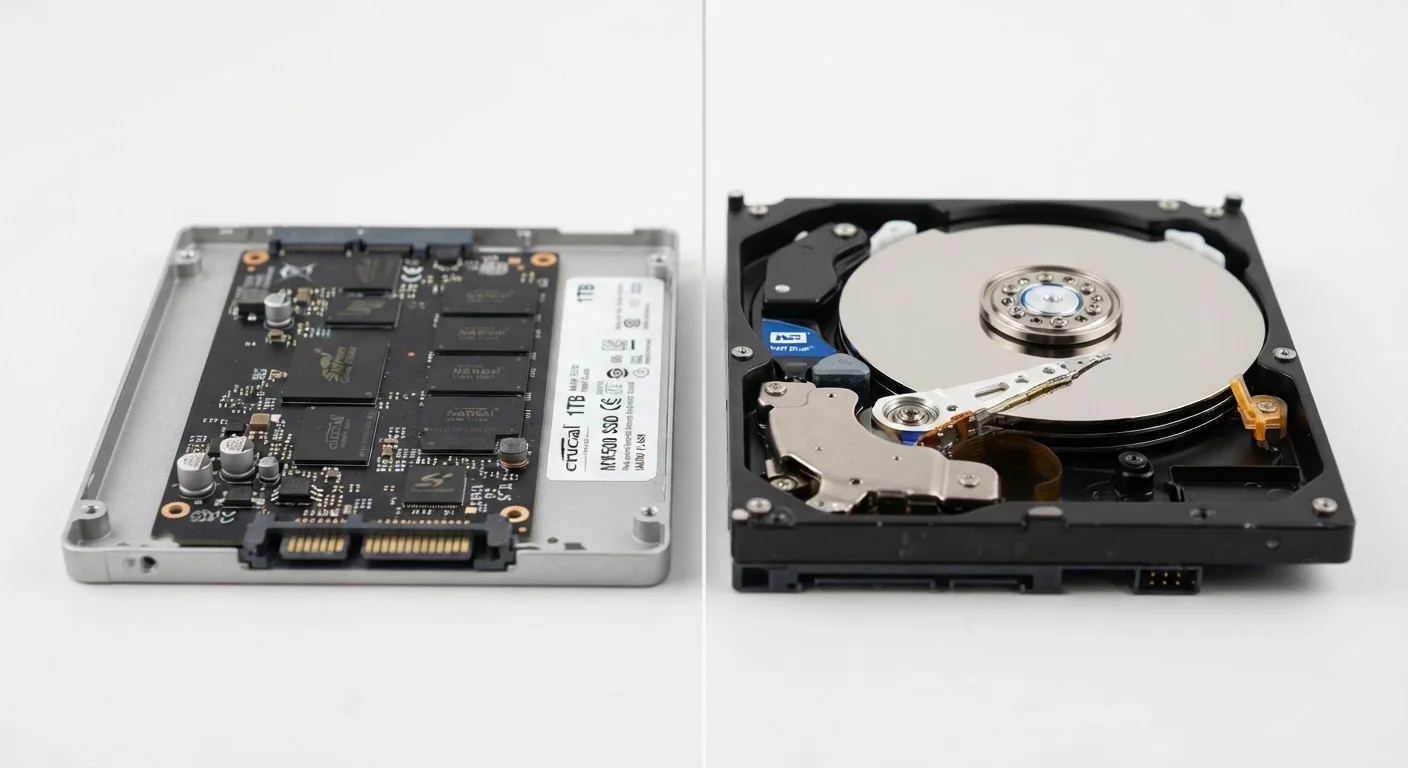
Solid-state and hard-disk drives store data differently — and those differences affect how fast your computer feels ever…
A new computer out of the box isn't ready to use at its best. Work through this checklist to get your Windows setup secu…
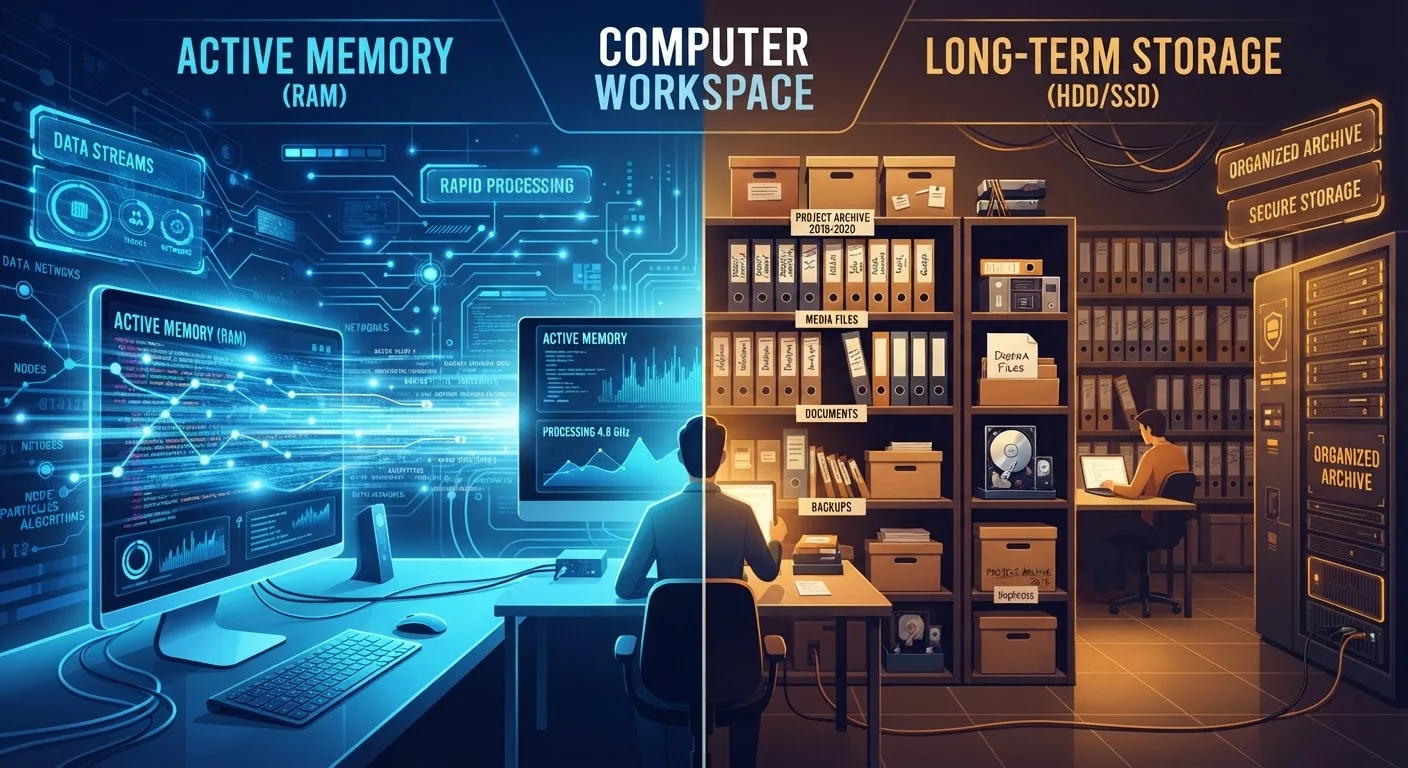
RAM and storage are not the same thing. Learn what each one does, how they work together, and why confusing them leads t…
From 'Macs can't get viruses' to 'one scan is enough' — common antivirus myths and what the reality looks like.…
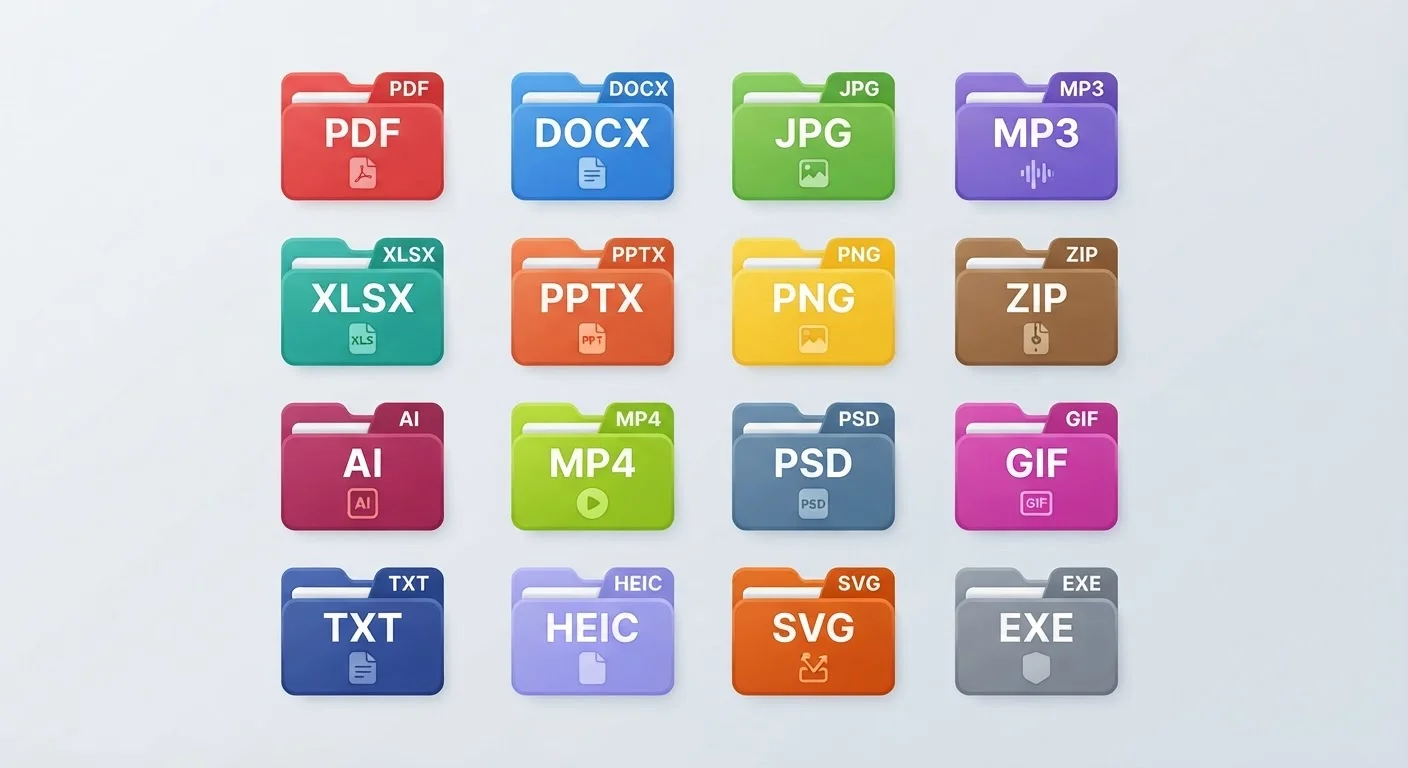
The letters at the end of a filename tell you exactly what it is and what can open it. Here's a plain-English guide to t…
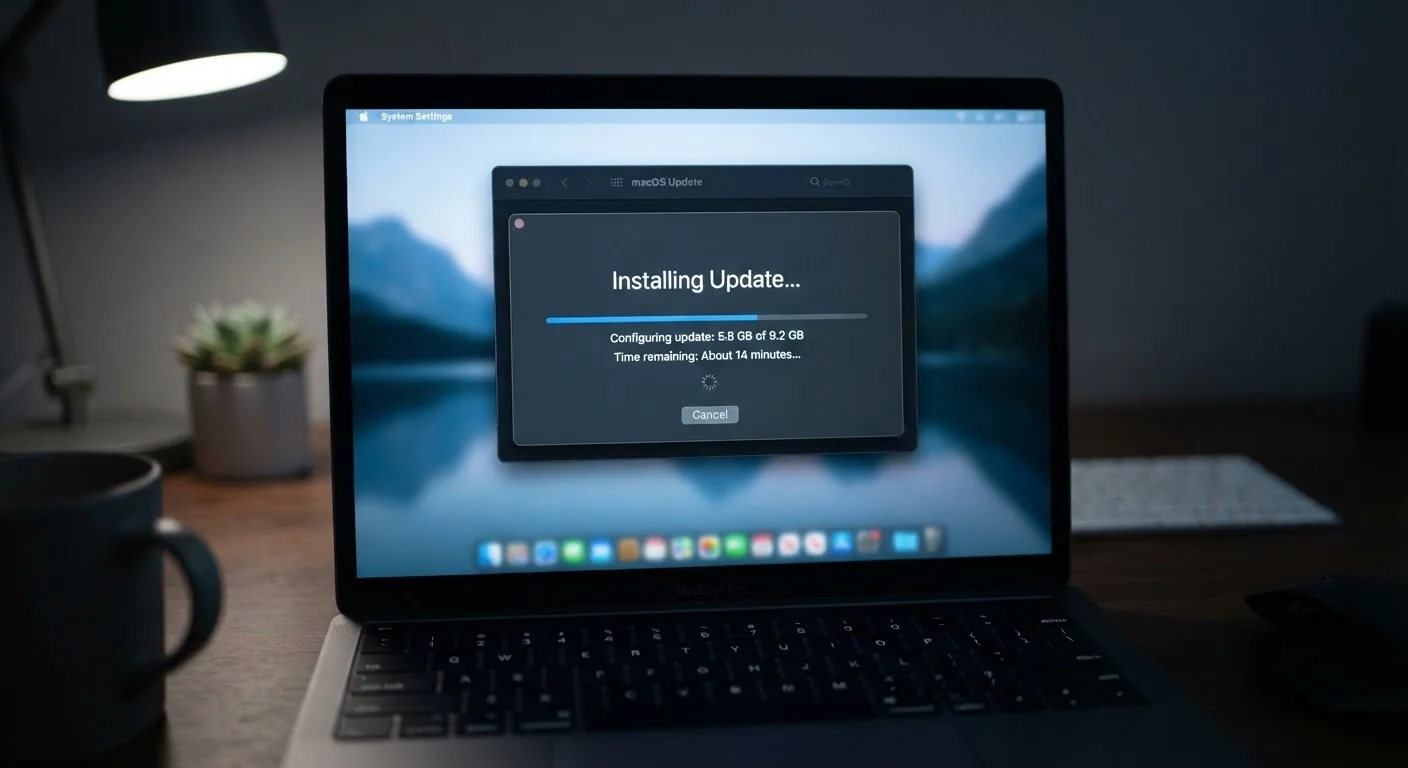
Software updates aren't just about new features. Learn what's really changing under the hood when your PC installs an up…
Small habits around copying, pasting, and capturing screens can quietly cause big headaches. Here's what to watch out fo…
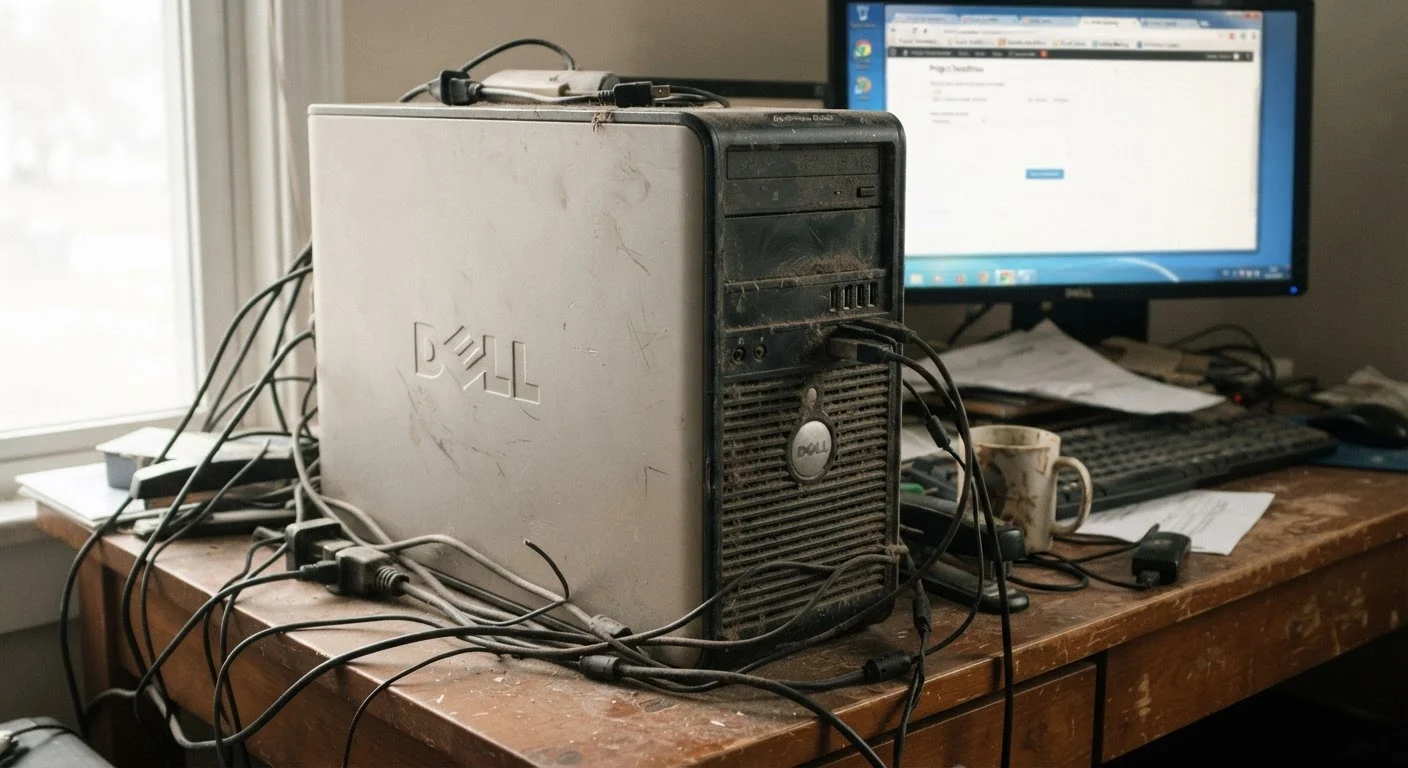
Your PC isn't broken — it's overwhelmed. Here's the real reason computers lose speed and what you can do to understand i…