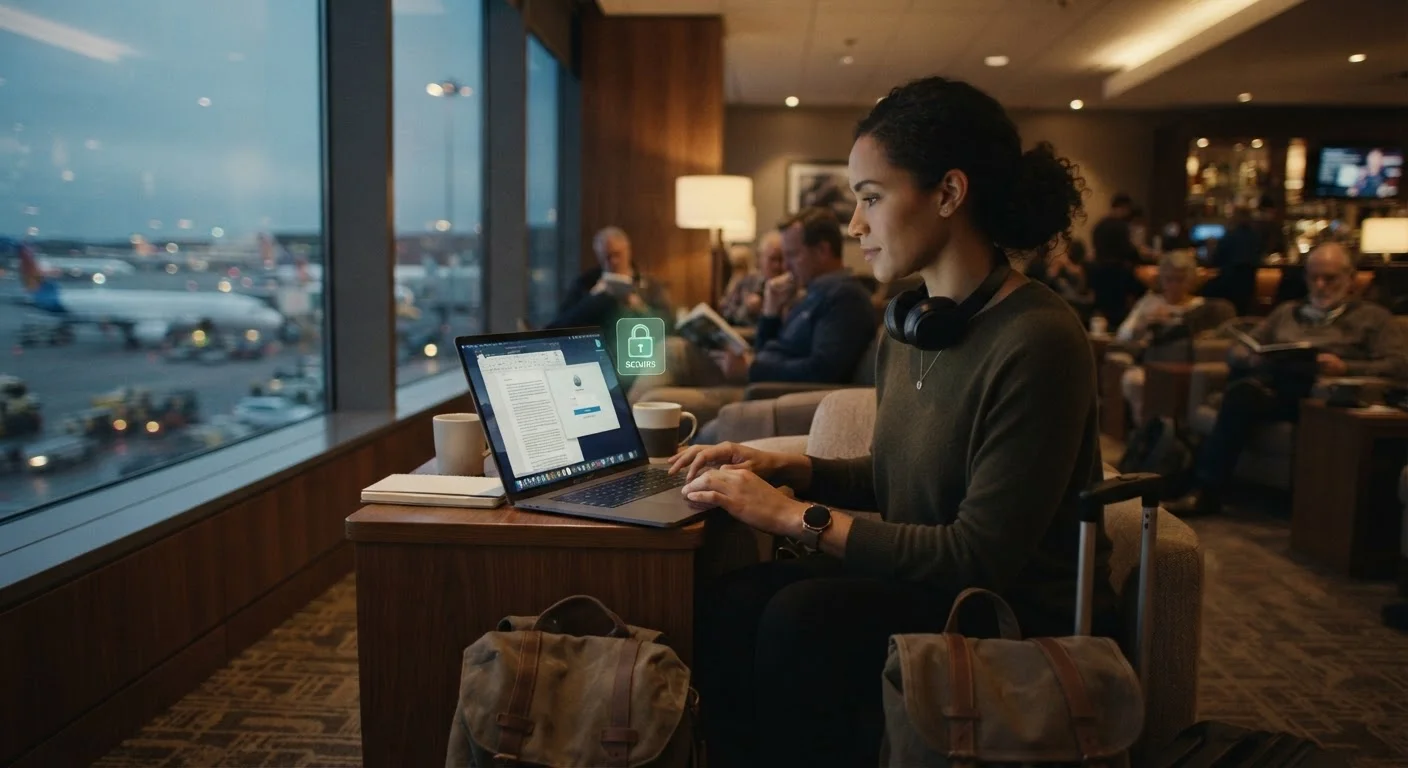
Why Digital Security Matters More When You're Away From Home
Traveling puts your devices into unfamiliar environments: shared networks, crowded spaces, and situations where you're distracted or fatigued. At home, you're connected to a trusted network and your devices rarely leave your sight. On the road, the risk landscape shifts - and most data incidents that happen to travelers are entirely preventable with a little preparation.
The good news is that protecting yourself doesn't require technical expertise. A handful of habits - set up mostly before you leave - cover the vast majority of risks that everyday travelers face. The steps below walk you through exactly what to do. You can find more preparation ideas in the pre-trip safety checklist for every traveler.
What you will need
VPN app
Encrypts your internet connection when using public or hotel Wi-Fi to prevent data interception.
Password manager
Stores and auto-fills complex, unique passwords so you don't need to type credentials on unfamiliar networks.
Cloud backup service
Automatically syncs your photos and key files so you can recover them if your device is lost or stolen.
Device lock screen with PIN or biometric
Prevents unauthorized access to your device if it is lost, stolen, or left unattended.
Remote wipe feature (Find My / Find My Device)
Allows you to erase your device's data remotely if it cannot be recovered.
Physical privacy screen filter
Blocks side-angle viewing of your screen in crowded spaces like planes, trains, and airports.
Step-by-Step: Securing Your Devices Before and During Travel
Work through the following steps in order. Most can be completed in an evening before your departure date. Steps marked with a warning deserve particular attention if you're traveling internationally.
Back up all your data before you leave home
Before any trip, create a full backup of your phone, laptop, or tablet. Use a cloud service, an external drive, or both. If your device is stolen or damaged abroad, a recent backup means you lose hardware - not irreplaceable files or photos.
For a deeper look at backup options, see cloud vs. local backup trade-offs for phones or our guide to practical backup strategies for computers.
Enable strong lock screens and remote wipe on every device
Set a PIN, password, or biometric lock (fingerprint or face ID) on every device you're bringing. Go into your device settings and confirm that the remote wipe or remote erase feature is activated - on iPhones, this is managed through Find My; on Android devices, through Find My Device.
Write down (and store separately from your device) the account credentials needed to access remote wipe if your phone is taken.
Install and configure a VPN before your trip
A VPN (Virtual Private Network) encrypts the data traveling between your device and the internet. This matters most on public networks - hotel Wi-Fi, airport lounges, cafes - where traffic can potentially be observed by others on the same network.
Install and test your VPN at home before departure. Some VPNs are blocked in certain countries, so verify that it functions in your destination beforehand. Our smartphone security guide covers related protective habits for non-technical users.
Avoid sensitive transactions on public Wi-Fi
Even with a VPN active, it's good practice to avoid accessing banking, financial accounts, or sensitive work systems on networks you don't control. If you must access a sensitive account, confirm the site uses HTTPS (look for the padlock icon in your browser's address bar) and log out fully when finished.
Prefer your phone's mobile data connection - which is harder to intercept than shared Wi-Fi - for any high-stakes activity. See how mobile data works and what counts against your plan to manage usage wisely.
Use a password manager and enable two-factor authentication
Avoid typing passwords on shared or public computers. A password manager lets you autofill credentials securely from your own device, reducing exposure. Enable two-factor authentication (2FA) on any accounts you might access while traveling - this way, a stolen password alone isn't enough to compromise your account.
For practical guidance on managing credentials, see keeping passwords manageable without sticky notes.
Know what to do if a device is lost or stolen
Act quickly: log into your cloud account from another device and trigger remote wipe. Report the theft to local police and obtain a written report, which your travel insurer may require. Notify your bank or any financial institutions whose apps were on the device, and change passwords for key accounts from a trusted connection.
If you need to use a public or shared computer in an emergency, open a private or incognito browser session and log out of everything before closing. This is one of the scenarios covered in our broader guide to staying safe abroad.
Travel With Only What You Need
Consider leaving devices you won't actively use at home. Every device you bring is a potential target. If your trip doesn't require a laptop, a phone alone reduces your exposure considerably. Similarly, remove any sensitive apps or stored data you won't need during travel before you depart.
What to Watch For While You're Traveling
Physical awareness matters as much as digital habits. Keep devices in your line of sight in cafes, airports, and hotel lobbies. Be cautious about who can see your screen in crowded spaces - a physical privacy screen filter (listed in the tools above) can help in planes and trains.
If you're traveling internationally, be aware that some countries have laws governing encrypted communications, VPN use, or device searches at borders. The U.S. Department of State's travel advisories and the destination country's official government resources are the right places to verify current rules - not travel forums or third-party sites.
For context on how security habits transfer between travel and everyday digital life, keeping your home devices secure is a useful companion read. Many of the same principles apply.
Avoid Shared or Hotel Business Center Computers
Public computers in hotels, libraries, or business centers may have keylogging software or outdated security patches - making any account you log into potentially vulnerable. If you absolutely must use one, use private/incognito mode, avoid saving any passwords, and change your passwords from a trusted device as soon as possible afterward.