
The Moment You Click: What Triggers First
The instant you approve an update, your device sends a request to a remote server - typically hosted by the software developer or a content delivery network - asking for the update package. Your system first checks that you have a working internet connection, confirms your current software version, and requests only the files that need to change. This version comparison step is why updates usually download far less data than the full application would require.
Once the download begins, it doesn't just stream data blindly. Modern update systems download files alongside a cryptographic checksum - a unique digital fingerprint for that exact package. Before installation begins, your system computes the fingerprint of what it received and compares it against the developer's published value. A mismatch stops the process entirely, protecting you from corrupted downloads or tampered files.
What Happens If the Download Is Interrupted?
Most modern update systems are designed to resume interrupted downloads rather than start over. If your connection drops mid-download, the system typically picks up from where it left off when connectivity is restored. The checksum verification step ensures that any corrupted or incomplete data is caught before installation begins.
Under the Hood: What 'Installing' Actually Means
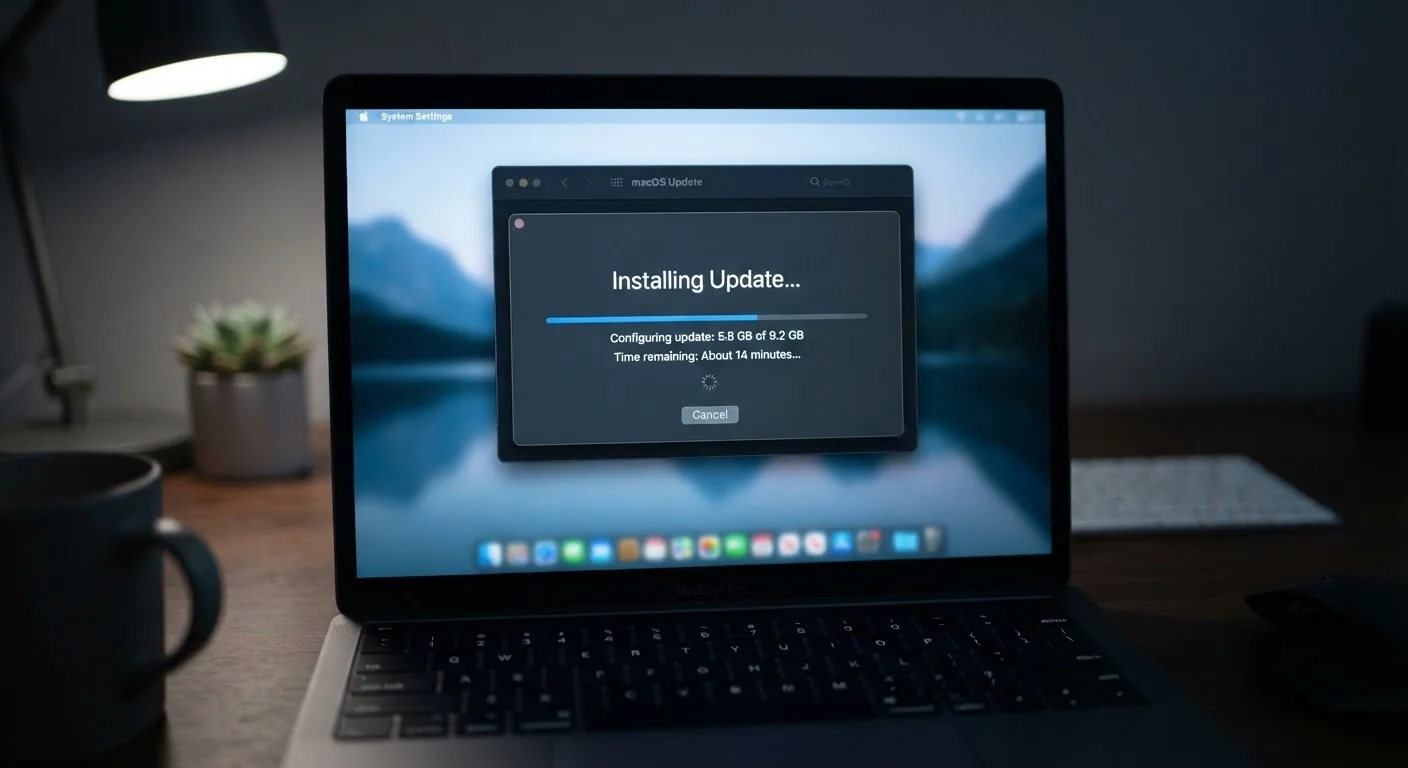
Installation is where the real work happens. The update package contains instructions telling your system which files to replace, which registry entries or configuration values to change, and in what order to do it. The installer typically works through a staged sequence: it backs up existing files first, writes the new versions to temporary locations, then swaps them in - minimizing the window where your system could be left in a broken half-updated state if something goes wrong.
For operating system-level updates, this process is more involved. Windows, for example, uses a component called the Windows Servicing Stack to manage how patches are applied to core system components. macOS uses a sealed system volume to protect core OS files from being altered during normal operation, then updates that sealed volume as a separate, verified transaction. These mechanisms exist to make the update process reliable and reversible.
Create a Restore Point Before Major Updates
Before installing a large operating system update, it's a good practice to create a system restore point or backup your important files. While major updates are carefully tested, having a snapshot of your previous system state gives you a straightforward path back if something unexpected occurs. Most operating systems include a built-in backup or restore tool for exactly this purpose.
Security Patches vs. Feature Updates: A Real Difference
Not every notification that reads 'update available' carries the same weight. Security patches address specific, documented vulnerabilities - places in the code where an attacker could execute malicious commands, steal data, or take control of system functions. These are typically prioritized and released outside of a regular update schedule when a critical flaw is discovered.
Feature updates, by contrast, introduce new capabilities or redesign existing ones. They go through a longer testing cycle and are less urgent from a security standpoint, though they often bundle smaller bug fixes alongside the new functionality. Understanding this distinction helps you make informed decisions: a security patch deserves immediate attention, while a large feature update might warrant a brief wait to see if early adopters report problems. This same principle applies across platforms - how Android and iOS handle updates differently is one reason the two ecosystems feel distinct to users.
60%+
Of breaches exploit known, patchable vulnerabilities
Security research consistently finds that a majority of successful cyberattacks target vulnerabilities for which patches were already available but not yet applied.
~30 days
Average time attackers exploit a vulnerability after disclosure
Industry security analyses suggest threat actors often move to exploit newly disclosed flaws within weeks of a patch being publicly announced, underscoring the urgency of timely updates.
After the Restart: What's Actually Changed
Once installation completes and any required restart has occurred, your software is running a new set of instructions. Depending on the update, this can mean faster performance, new menu options, different default behaviors, or simply the absence of a flaw that previously existed. Most of these changes are invisible to everyday use - closed security holes don't produce any noticeable difference in how the application feels.
Occasionally, updates contribute indirectly to performance changes you can feel. Memory management improvements, for instance, can affect how responsively an application launches. If you've ever wondered why your computer seems sluggish even after updates, the causes typically run deeper - what actually slows a computer down over time involves factors well beyond software versioning. Keeping software current is one reliable piece of maintaining a healthy system, but it's rarely the whole picture.
