
The Power You're Paying For Without Knowing It
Most of us assume that turning off an appliance or gadget stops it from using electricity. In reality, a large number of consumer electronics continue drawing power the moment they're plugged in - whether they're in use, on standby, or apparently switched off. This is commonly called phantom load (also called standby power or vampire power).
According to the U.S. Department of Energy, standby power can account for roughly 5 to 10 percent of residential electricity use in a typical American home. Spread across dozens of devices, those small draws add up to real dollars on your utility bill every year.
Understanding which devices are the biggest contributors - and why - gives you a clear starting point for cutting waste without disrupting how you actually live. Below are the most common household electronics worth paying attention to.
Television sets
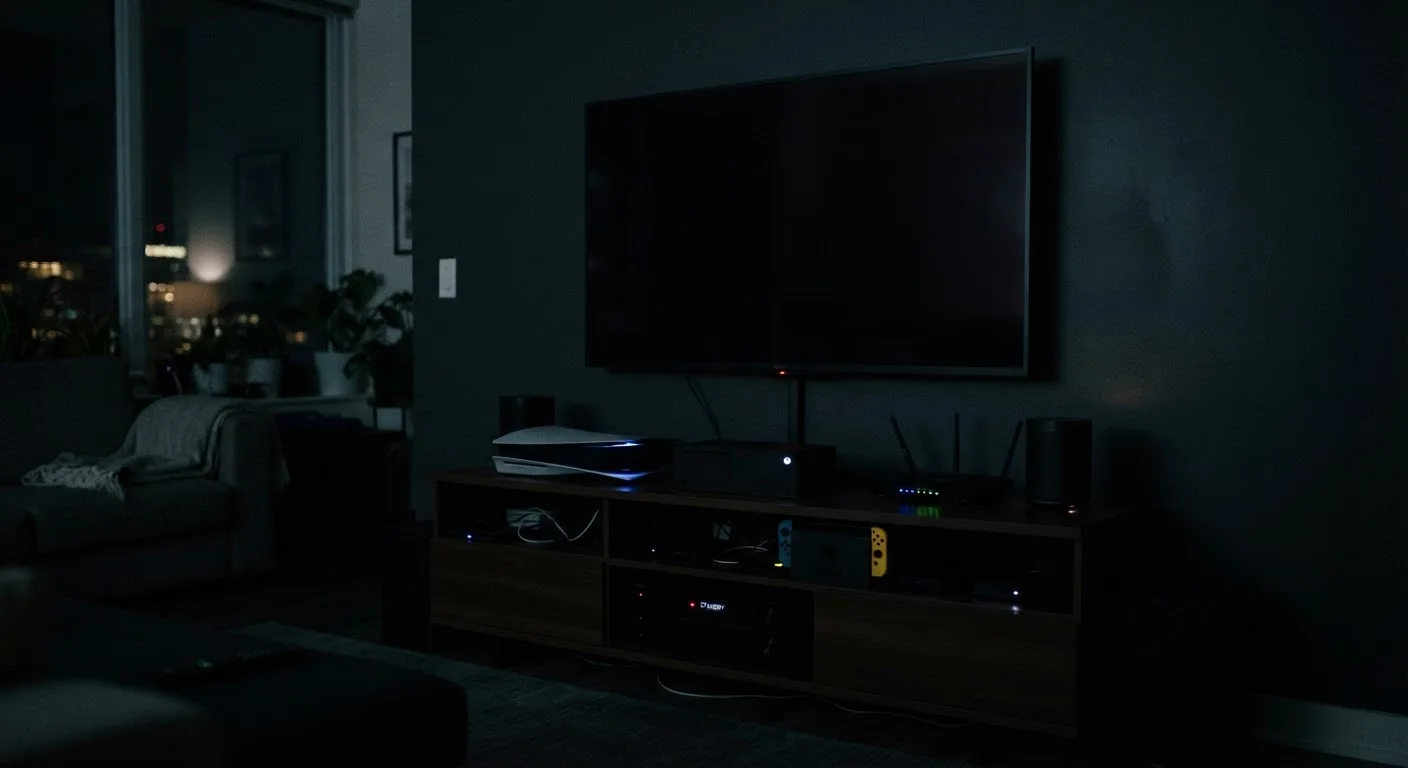
Modern TVs - especially large LED and OLED panels - draw power in standby mode to maintain quick-start capability and to receive remote signals. Older plasma and CRT sets were often worse offenders, but even newer models can consume between 0.5 and 3 watts continuously when idle. A TV left plugged in year-round in standby can add a noticeable amount to your annual electricity bill, particularly if you own more than one.
The simplest fix is to connect your TV (and any connected devices, like a soundbar) to a power strip and switch the strip off when you're done watching for the night.
A TV in standby still draws power every hour it sits idle, day after day.
Game consoles
Game consoles are among the stealthiest power consumers in the home. Many are configured by default to stay in a low-power sleep state that still enables background downloads, controller charging, and instant resume. Depending on the console and its settings, this standby mode can draw anywhere from 1 to 15 watts - substantially more than most people expect from a device that appears to be off.
Check your console's power settings and switch from an always-on or instant-on mode to a true rest or off mode if background downloads aren't a priority for you.
Console 'instant-on' modes can draw more standby power than a LED light bulb.
Cable and satellite boxes
Set-top boxes - cable receivers, satellite boxes, and DVRs - are widely recognized by energy researchers as some of the most energy-intensive always-on devices in residential settings. Because they're recording schedules, downloading guide data, and maintaining a live signal connection, they often draw nearly as much power in standby as when actively in use. A DVR can consume 15 to 25 watts around the clock, regardless of whether anyone is watching.
If your provider allows it, enabling a low-power standby mode through the box's menu can help. Some providers now offer more energy-efficient hardware - worth asking about if you're due for an equipment upgrade.
A DVR left on year-round can rival a small refrigerator in electricity use.
Desktop computers and monitors
Desktop computers draw power even when they're in sleep mode, and monitors - especially older LCD panels - often continue consuming electricity when plugged in but powered off. Sleep mode typically uses between 1 and 6 watts for the computer itself, while the monitor may draw an additional 1 to 3 watts. If you leave a full workstation plugged in all day, every day, the idle draw compounds quickly.
Enabling your operating system's power management settings to aggressively enter sleep mode, and using a power strip to cut monitor and peripheral power when you're away for extended periods, are both effective strategies.
Desktop sleep mode still consumes electricity - it's not the same as being off.
Phone and laptop chargers
Chargers left plugged into the wall without a device connected still draw a small amount of power - typically less than 1 watt each, but the principle matters when you have several scattered around the home. More significantly, a laptop charger with the laptop still attached but fully charged continues to trickle power to maintain that charge level. This is worth keeping in mind both for your electricity use and for battery longevity. For a deeper look at how charging behavior affects batteries over time, see charging habits that quietly shorten battery lifespan.
A charger left plugged in without a device still draws power from the outlet.
Smart speakers and voice assistants
Smart speakers are designed to be always listening for a wake word, which means they're always drawing power. Consumption is generally modest - often in the range of 1 to 3 watts in idle listening mode - but because these devices are almost never unplugged, they run 24 hours a day, 365 days a year. A home with multiple smart speakers distributed across rooms multiplies that baseline draw accordingly.
Most smart speakers include a hardware mute button that disables the microphone and typically reduces power draw. Using it when you're away from home or at night is a practical habit that touches both energy use and privacy.
Smart speakers run continuously by design - the listening mode is always drawing power.
Microwave ovens
It may seem counterintuitive, but your microwave oven can use more electricity over a year powering its clock display and control panel than it does actually cooking food - particularly in households where it's used infrequently. The standby draw for a microwave's clock and panel is usually between 2 and 5 watts, which is modest per device but notable given that most microwaves are plugged in permanently and rarely switched off at the outlet.
For households where the microwave is rarely used, unplugging it between uses or covering the clock need is one of the easier no-cost changes available.
Your microwave's clock display may use more power annually than the cooking itself.
What You Can Actually Do About It
You don't need to unplug everything in your home to make a dent in phantom load. The most practical approach is to focus on the highest-draw devices - particularly entertainment centers and older appliances - and use smart power strips or outlet timers to cut power automatically when those devices aren't needed. A smart strip can detect when a primary device (like a TV) shuts off and automatically cut power to everything else connected to it, such as a soundbar or game console.
Start With an Outlet Energy Monitor
If you want to know exactly how much power a specific device is drawing in standby, a plug-in energy monitor (often called a watt meter or kill-a-watt meter) can measure real-time and cumulative consumption. These are widely available and can help you prioritize which devices are worth addressing before you make any changes to your setup.
For devices that genuinely need standby power to function correctly - such as your router, security cameras, or a digital video recorder - it makes sense to leave them plugged in. The goal isn't zero standby power; it's eliminating unnecessary standby power from devices that gain nothing from staying energized.
If you're also thinking about the data side of always-on devices, our look at always-on home device privacy trade-offs covers what's collected and how to limit exposure. And for keeping your connected devices running reliably while managing their power needs, see what to check before your smart home devices stop working.
