
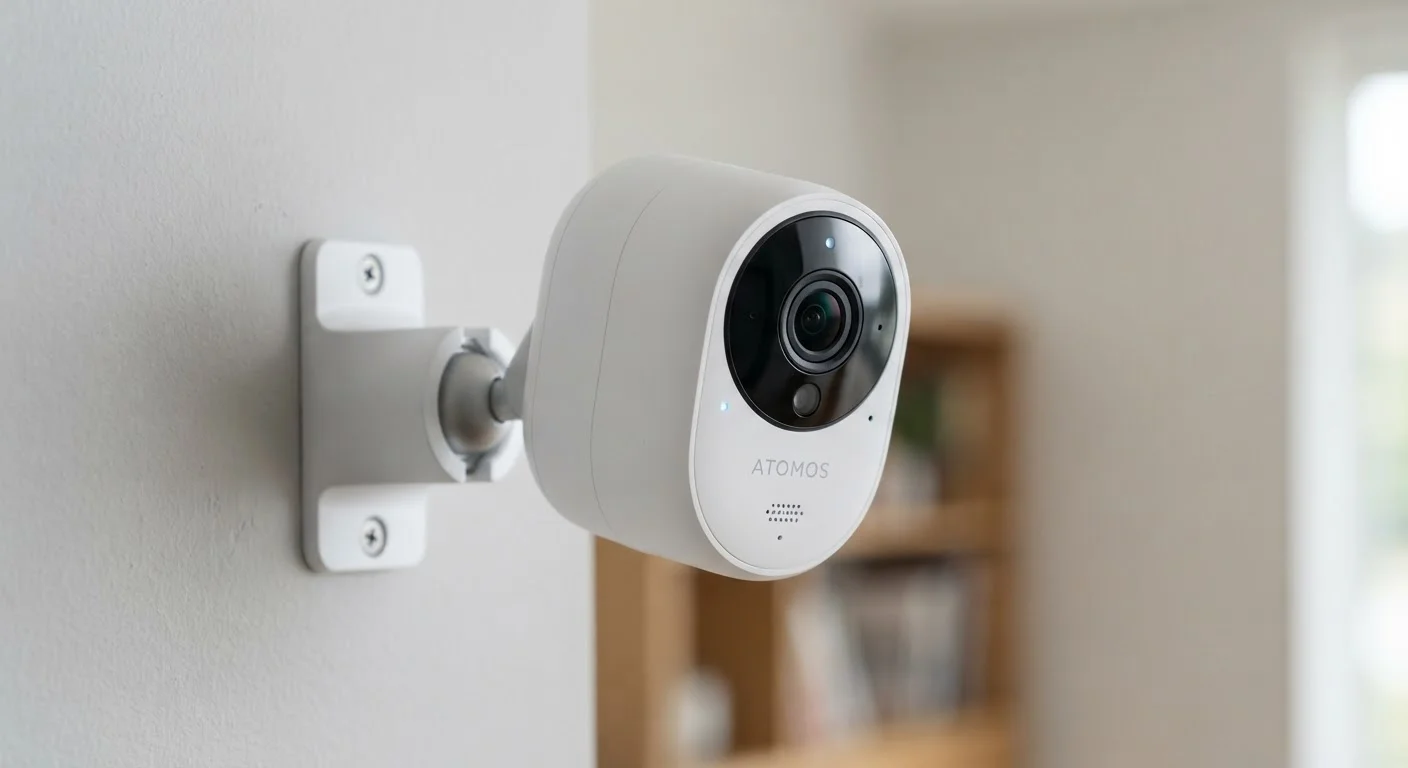
Resolution: What the Numbers Really Mean
Resolution is almost always the first number listed on a security camera spec sheet, and it's commonly expressed as 1080p, 2K, or 4K. These figures describe how many pixels make up the image - the higher the number, the more detail the camera can capture. But resolution alone doesn't tell the whole story.
A 1080p camera (1920×1080 pixels) is generally sufficient to identify faces, read license plates, or distinguish clothing at moderate distances - roughly 15 to 20 feet. Stepping up to 2K or 4K matters most when you need to zoom into footage after the fact, or when you're covering a wide area like a driveway or backyard. However, higher resolution also means larger file sizes, which affects storage and bandwidth.
One practical caveat: resolution only reflects potential image quality. Lens quality, compression algorithms, and lighting all determine what you actually see in recorded footage.
| 1080p Resolution | 1920×1080 pixels; suitable for identifying faces at 15-20 feet |
| 2K / 4K Resolution | Greater detail for zooming in post-recording; larger file sizes |
| Typical Wide FOV | 110-130 degrees; covers large rooms or outdoor areas |
| IR Night Vision Range | 20-100 feet depending on model and environment |
| H.265 Compression | ~50% smaller file size vs. H.264 at comparable quality |
| Common Local Storage | MicroSD cards (32-256GB) or connected NVR/DVR systems |
Field of View and Lens Angle
Field of view (FOV) tells you how wide an area the camera can see, measured in degrees. A narrow FOV - say, 90 degrees - works well for focused coverage of a doorway or hallway. A wide FOV of 130 degrees or more can cover an entire room or large porch with a single camera.
Be aware that wider isn't always better. Very wide-angle lenses introduce a fish-eye distortion at the edges of the frame, which can make it harder to identify details near the corners of the image. Some cameras compensate with digital correction, but this can reduce effective resolution in those areas.
Paired with FOV, you'll sometimes see specs for pan, tilt, and zoom (PTZ). A pan-tilt camera can move its lens left-right or up-down - useful for large spaces - while optical zoom preserves image quality as you close in. Digital zoom, by contrast, simply enlarges a cropped portion of the existing frame, which often produces a blurry result.
Night Vision: IR, Color Night Vision, and What to Expect
Most security cameras use infrared (IR) LEDs to illuminate a scene in total darkness. IR night vision produces a black-and-white image and is rated by the distance it can illuminate - typically 20 to 100 feet depending on the camera. This range is useful as a baseline, though actual performance varies with environmental conditions like fog, reflective surfaces, and ambient light.
A growing number of cameras offer color night vision, which uses a wider aperture lens and an image sensor optimized for low light rather than invisible infrared light. Color night vision provides richer detail - you can see that a jacket is red, not just dark - but it generally requires some residual ambient light to work, such as a nearby streetlight or porch lamp. Pure infrared can function in complete darkness.
Some cameras combine both: they default to color night vision when there's ambient light and switch automatically to IR when conditions get darker. Check specs for both the IR range and whether the camera has a starlight or low-light sensor rating if nighttime coverage is a priority.
IR Night Vision and Glass Surfaces
If you're considering mounting a camera indoors to monitor outside through a window, be aware that infrared night vision reflects off glass, creating a bright glare that obscures the image entirely. For through-glass monitoring, look for cameras with IR disabled or a dedicated outdoor mounting option. Color night vision doesn't face this specific problem, but outdoor conditions still apply.
Storage: Local vs. Cloud and What Specs Don't Tell You
Security camera footage has to go somewhere. The two main approaches are local storage - using a microSD card inside the camera, or a network video recorder (NVR) or digital video recorder (DVR) connected to your system - and cloud storage, where footage is uploaded to a server you access via an app.
Spec sheets list storage capacity in gigabytes (GB) for local options, but a more useful number is days of footage retained at a given resolution and frame rate. A 64GB card might hold three days of continuous 1080p footage, or considerably more if the camera only records when motion is detected.
Cloud storage almost always involves a subscription fee and raises privacy considerations worth understanding. See our overview of privacy trade-offs with always-on home devices for a fuller picture of what cloud-connected cameras collect and how that data is handled.
Also look for specs around video compression format - H.265 (HEVC) stores footage at roughly half the file size of older H.264 at similar quality, which extends how long your storage lasts.
For broader context on how cameras fit into a connected home setup, see what 'smart home' actually means and what it doesn't. And if you're thinking about keeping your camera system's network connection secure, these practical device security habits are a good place to start.
