
What Airplane Mode Actually Turns Off
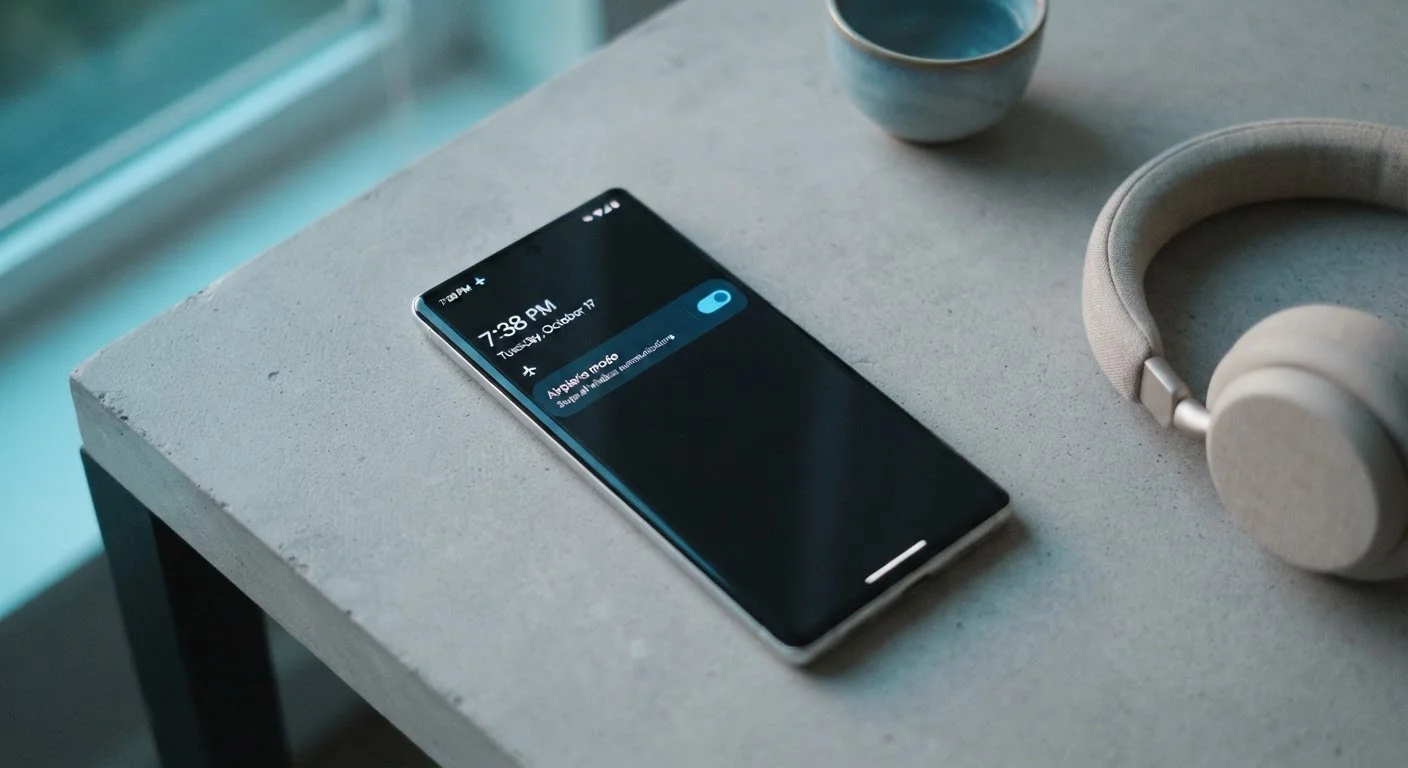
Activating airplane mode cuts four distinct types of wireless communication in a single tap:
- Cellular radio: No calls, no SMS texts, and no mobile data. Your phone cannot connect to your carrier's network.
- Wi-Fi: The device stops broadcasting and scanning for wireless networks.
- Bluetooth: Pairing and communication with headphones, speakers, keyboards, and other accessories is suspended.
- GPS: The device stops receiving location signals from satellites, so real-time navigation apps lose positioning.
It's worth knowing that the device itself keeps running normally. Your apps, camera, downloaded music, offline documents, and alarms all function exactly as usual. Airplane mode only removes the wireless layers - the rest of the phone is unaffected.
One important nuance: on most current Android and iOS devices, airplane mode is not a true hard lock. After enabling it, you can independently switch Wi-Fi or Bluetooth back on without disabling airplane mode entirely. Airlines generally permit this once cruising altitude is reached, but always follow the specific instructions of the crew.
Wi-Fi and Bluetooth Can Be Re-Enabled Individually
On both iOS and Android, enabling airplane mode turns off all radios simultaneously - but this is just the default state. You can tap Wi-Fi or Bluetooth back on independently without disabling airplane mode entirely. This is how in-flight Wi-Fi works on airlines that offer it: passengers stay in airplane mode while selectively reconnecting to the cabin network.
When Turning On Airplane Mode Makes Sense
Airplane mode has practical value in several everyday situations, not just at 35,000 feet.
Charging faster
With all radios off, your phone stops hunting for cellular towers, scanning for Wi-Fi networks, and syncing data in the background. That significantly reduces power consumption while plugged in, meaning a larger share of incoming power goes directly toward charging the battery rather than keeping the radio active.
Preserving battery in a dead zone
If you're in a remote area, a building with poor reception, or a rural stretch with no signal, your phone's cellular radio continuously cranks up its transmission power trying to find a tower. This is one of the fastest ways a battery drains. Switching to airplane mode stops that fruitless search entirely.
Reducing interruptions
Airplane mode is a blunt but effective tool when you need deep focus. Unlike Do Not Disturb, which silences notifications but keeps the phone actively connected, airplane mode removes the device from the network altogether. No push notifications arrive because there is no channel for them to travel through. For readers who want a more refined approach to managing interruptions, hidden phone settings like scheduled Do Not Disturb offer more surgical control.
Letting children use a device safely
Enabling airplane mode on a tablet or phone lets kids use downloaded games, videos, and apps without any access to the internet or the ability to make calls - a simple parental guardrail that requires no additional software.
Try Airplane Mode as a Charging Boost
Next time you need a quick charge before heading out, enable airplane mode as soon as you plug in. With background radio activity halted, you'll typically see a noticeably faster rise in battery percentage - especially useful when you only have 15-20 minutes available.
What Airplane Mode Cannot Do
Understanding the limits of airplane mode is just as important as knowing its uses.
It does not make your device untrackable. Airplane mode prevents active transmission, but it does not erase your device's location history, stop a carrier from logging your last known tower connection, or prevent device-level tracking software already installed on the phone from logging data locally for later upload.
It does not protect your data on public Wi-Fi. If you re-enable Wi-Fi while in airplane mode, your connection security depends on the network and your own privacy practices - airplane mode itself offers no encryption or security benefit.
Emergency calls may still work. In many regions, cellular emergency calls to numbers like 911 are permitted to bypass airplane mode restrictions at the device level. This varies by device, carrier, and country - do not rely on this as a guarantee.
For travelers who use airplane mode regularly during flights, pairing it with some preparation - like downloading offline maps or entertainment beforehand - makes the restriction feel seamless. For a broader look at what experienced travelers do to stay comfortable and organized in transit, carry-on strategies from frequent flyers covers that ground well.
~40%
Potential battery drain reduction in no-signal areas
Device testing has shown cellular radio activity in areas with weak signal can account for a significant share of standby battery consumption, with airplane mode substantially reducing that load.
4
Wireless systems disabled by a single toggle
A single airplane mode switch simultaneously cuts cellular, Wi-Fi, Bluetooth, and GPS radios on virtually all modern smartphones.
The Quick Habit Worth Developing
Think of airplane mode as a versatile dial for your phone's radio activity, not just a compliance button for flights. If your battery is nearly dead and you can't charge soon, toggle it on. If you're charging overnight and don't need to receive anything until morning, consider enabling it. If you're sitting in an area with one bar of signal and your battery is disappearing fast, airplane mode will almost always outperform Low Power Mode alone in slowing that drain.
The toggle takes one second and can be reversed just as fast. For such a simple control, it offers a surprising range of practical benefits once you understand exactly what it's switching off - and what it's leaving fully intact.
