
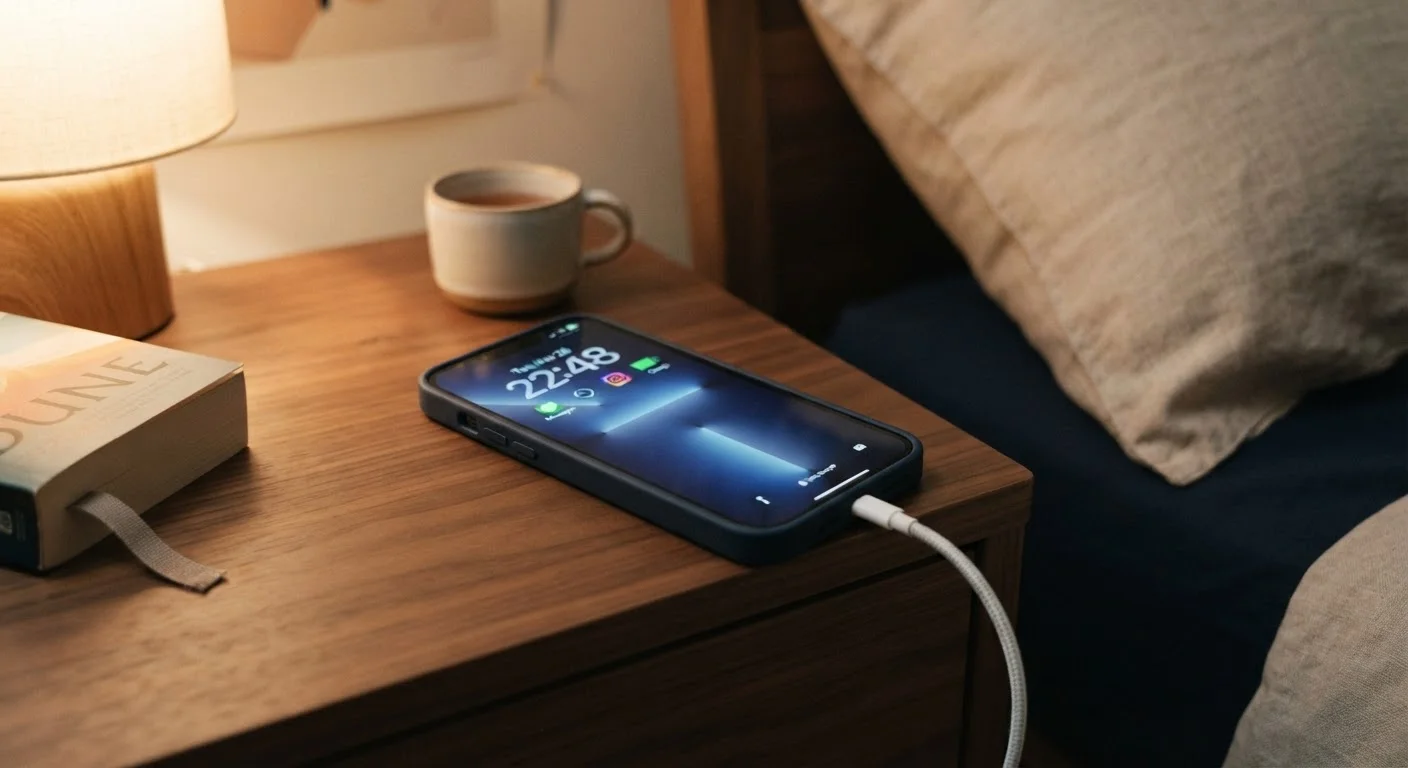
Why Your Charging Habits Matter More Than You Think
Lithium-ion batteries - the kind inside virtually every smartphone, tablet, and laptop sold today - degrade a little with every charge cycle. That's unavoidable. What is avoidable is speeding up that degradation through habits that put unnecessary stress on the cells. The result of poor charging behavior isn't dramatic; your phone won't explode or suddenly die. Instead, capacity quietly shrinks, and a phone that once lasted all day starts struggling by late afternoon.
Understanding a few basics of how lithium batteries work helps explain why certain habits cause harm. Lithium cells experience stress at the extremes - very high and very low states of charge - and from heat. Every time you push a battery to those limits, microscopic changes occur in the electrode materials. Over hundreds of cycles, those changes accumulate into measurable capacity loss. The good news: a few simple adjustments can slow that process considerably. See our full guide to making your smartphone last longer for a broader set of practices that complement what's covered here.
Common Charging Mistakes - and How to Correct Them
The mistakes below are ranked not by severity but by how silently they operate. Most people have no idea they're doing any of them.
Routinely charging your phone to 100% and keeping it there.
Why it happens: Most people plug in before bed and wake up to a full battery - this feels responsible, not harmful. Built-in trickle charging on modern devices reduces but doesn't eliminate the stress of sitting at maximum charge.
Letting the battery drain completely to 0% before recharging.
Why it happens: Older nickel-based batteries actually benefited from full discharge cycles, and that advice never fully disappeared. Many users still believe running a lithium battery all the way down "recalibrates" it.
Using uncertified or low-quality charging cables and adapters.
Why it happens: Replacement cables are cheap and widely available, and they look nearly identical to certified ones. Users reasonably assume a cable is a cable.
Charging in hot environments or while the phone is in a thick case.
Why it happens: Convenience wins - people charge wherever they happen to be, and removing a case feels like extra effort. The phone feels warm, but not hot enough to trigger obvious concern.
Using fast charging as the default every single time, regardless of need.
Why it happens: Fast charging is marketed as a feature, so users treat it as the obviously superior option. Few realize that higher current inherently generates more heat and places more electrochemical stress on cells.
~500
Typical lithium-ion charge cycles before notable capacity loss
Battery University, a widely cited reference on electrochemical battery research, notes that most lithium-ion cells retain around 80% capacity after approximately 300-500 full charge cycles, with degradation accelerating beyond that point.
~25%
Extra capacity loss from chronic high-temperature charging
Research published by battery scientists has consistently shown that sustained exposure to elevated temperatures during charging can reduce long-term battery capacity meaningfully compared to charging at room temperature.
The Role of Heat and Environment
Of all the factors that shorten a lithium battery's life, heat is the most damaging and the most underestimated. Charging generates heat naturally - fast charging generates considerably more. When you combine fast charging with an already warm environment (a sunny car, a bed that traps heat under the phone, a case that has poor ventilation), you're compounding the thermal stress on the cells.
A practical rule: if your phone feels uncomfortably warm while charging, that's a signal to remove the case, move it to a harder surface like a table, or switch to a slower charger. You don't need to avoid fast charging entirely - it's a useful tool when you're in a hurry - but using it as your default every single day contributes to faster degradation than slower overnight charging would.
Charging in a Hot Car Is Especially Damaging
Interior car temperatures can reach well above 100°F on warm days, creating an environment that accelerates lithium battery degradation even without charging. Charging your device in a hot car combines two significant stressors - heat and electrical load - at the same time. If you need to charge while driving, keep the vehicle's climate control running and avoid leaving your device on a sun-exposed seat or dashboard.
If you're curious about how battery drain connects to charging habits, our article on why phone batteries drain so fast covers the other side of the equation in useful detail.
Building Better Habits Without Overthinking It
You don't need to obsess over your battery percentage every hour. The goal is to shift a few default behaviors. Plug in at 30-40% rather than waiting for a low-battery warning. Unplug at 80-90% when you have time to think about it. Avoid leaving your phone on a wireless charger all day at 100%. Use slower charging overnight if your phone supports it, and take advantage of built-in "optimized charging" features - available on many modern Android and iOS devices - which learn your routine and slow the final charge phase to reduce time spent at full capacity.
These aren't extreme measures. They're small habit shifts with compounding benefits. Just as small repeated oversights quietly wear down a car, small repeated charging mistakes quietly wear down your battery. Reversing them costs nothing and extends the useful life of a device you've already paid for.
