
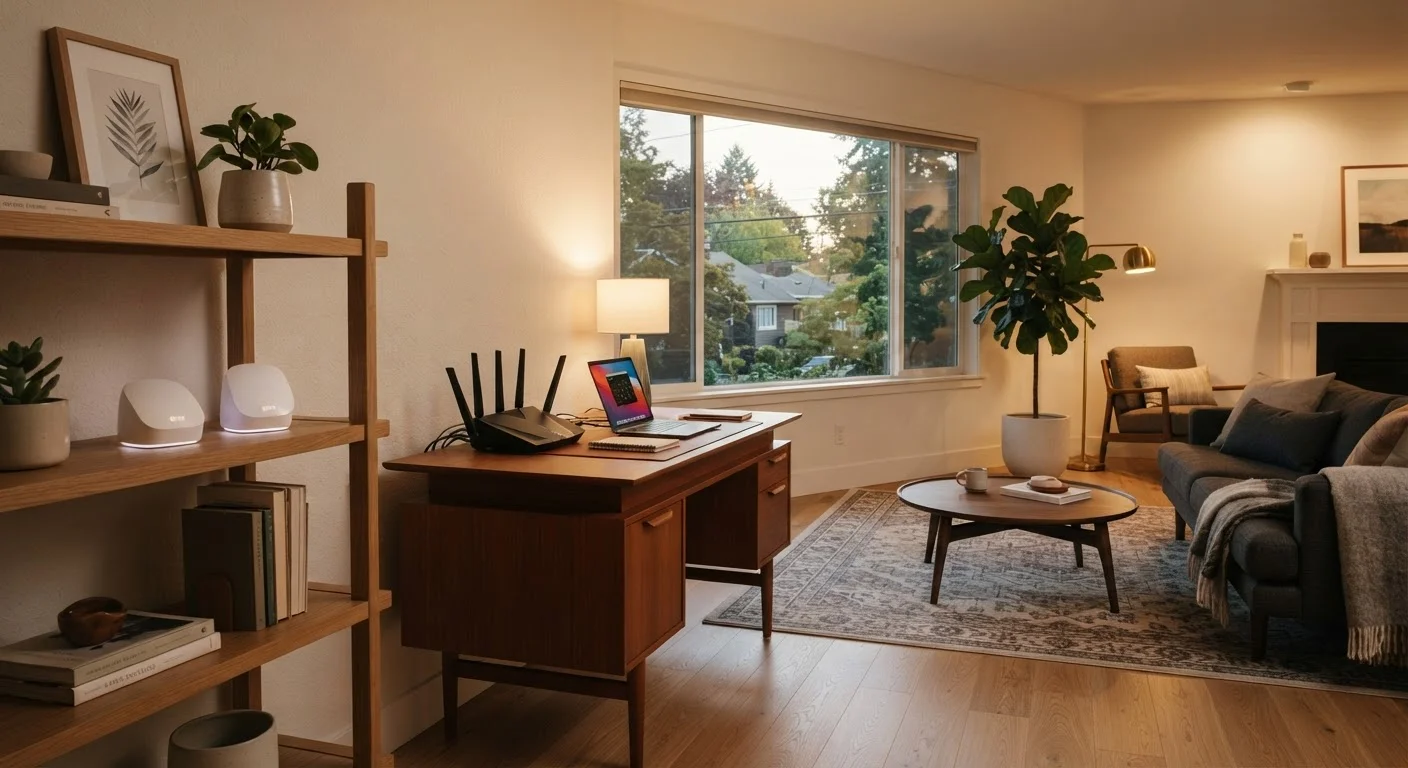
How Each System Actually Works
To understand the difference, it helps to start with the basics. A traditional router is a single device that connects to your modem, translates your internet service into a Wi-Fi signal, and broadcasts that signal outward in all directions. The further you get from that device - or the more walls and floors between you and it - the weaker that signal becomes. For a solid grounding in how Wi-Fi signals behave, see our guide to Wi-Fi signals, speeds, and connection drops.
A mesh Wi-Fi system works differently. Instead of one central router, a mesh kit includes two or more nodes - small devices you place around your home. These nodes communicate with each other, creating a single unified network that blankets a much larger area. Your phone or laptop connects to whichever node has the strongest signal, and the system hands off that connection seamlessly as you move between rooms.
Both approaches deliver the same end result - internet access over Wi-Fi - but the architecture behind them is meaningfully different, especially as homes get larger or more complex.
| Criterion | Mesh Wi-Fi System | Traditional Router |
|---|---|---|
| Coverage area | Whole-home via multiple nodes | Single broadcast point |
| Dead zone handling | Eliminates dead zones by design | Requires extenders to address gaps |
| Device handoff | Seamless, automatic roaming | Manual or sticky connections |
| Upfront cost | Higher (multiple units) | Lower (single device) |
| Setup complexity | App-guided, generally simple | Browser or app, straightforward |
| Device load distribution | Spread across nodes | Centralized on one device |
| Best home size | 1,500+ sq ft or multi-story | Smaller homes and apartments |
Coverage, Dead Zones, and Range
The single biggest practical difference between these two systems is how they handle range. A traditional router in the center of a small apartment can easily reach every corner. But in a two-story house, a home with thick concrete or brick walls, or a layout with the modem stuck in a basement corner, one device rarely provides consistent coverage everywhere.
Mesh systems were designed specifically to solve this problem. By placing nodes in hallways, upstairs rooms, or at opposite ends of a long home, you extend strong Wi-Fi into areas that a single router simply cannot reach. The nodes talk to each other - either over a dedicated wireless channel or, in some setups, a wired backhaul - so internet traffic flows efficiently across the whole system.
~30 ft
Typical Wi-Fi range lost per interior wall
The FCC notes that building materials like drywall, brick, and concrete significantly attenuate Wi-Fi signals, with each wall reducing usable range.
25+
Average connected devices in a U.S. home
According to Deloitte's Digital Media Trends research, the average American household has more than 25 internet-connected devices - a number that strains single-router setups.
If you've ever noticed your streaming video buffering in the back bedroom while it works fine near the router, that's the coverage problem mesh systems are built to address. Understanding home network fundamentals can help you pinpoint exactly where your current setup falls short before you decide to switch.
Device Load, Performance, and Smart Home Considerations
Coverage isn't the only dimension that matters. As more devices join a home network - phones, laptops, smart speakers, thermostats, security cameras, and more - the router handling all of them can become a bottleneck. A traditional router manages all connected devices from one point, which can create congestion when many devices are active simultaneously.
Mesh systems distribute that load. Devices near a particular node connect to that node directly, spreading traffic more evenly across the network. This is especially relevant for smart home setups, where dozens of devices may be online around the clock. For a closer look at how different smart devices communicate over wireless networks, our overview of wireless protocols behind smart devices explains the distinctions well.
One trade-off worth knowing: because mesh systems rely on wireless communication between nodes (unless you run ethernet between them), each hop between nodes can introduce a small amount of latency. For most everyday activities this is imperceptible, but it's worth keeping in mind if you're a competitive gamer or doing real-time video production.
Setup, Management, and Security
Traditional routers are configured through a browser-based admin panel or, increasingly, a manufacturer's app. You set up your network name and password, and the router handles the rest. This simplicity is genuinely appealing - there are fewer variables and the systems are well-understood.
Mesh systems lean heavily on dedicated smartphone apps for setup and ongoing management. Many users find this easier than traditional router interfaces, though it does mean the system often creates an account with the manufacturer's servers. That cloud dependency is worth considering from a privacy and reliability standpoint.
For both options, security habits matter regardless of which hardware you choose. Updating firmware regularly, using strong passwords, and separating smart devices onto a guest network are all relevant practices. Our guide to home device security habits covers these steps in practical detail.
This article provides general educational information about home networking options and is not a recommendation to purchase any specific product or brand.
