
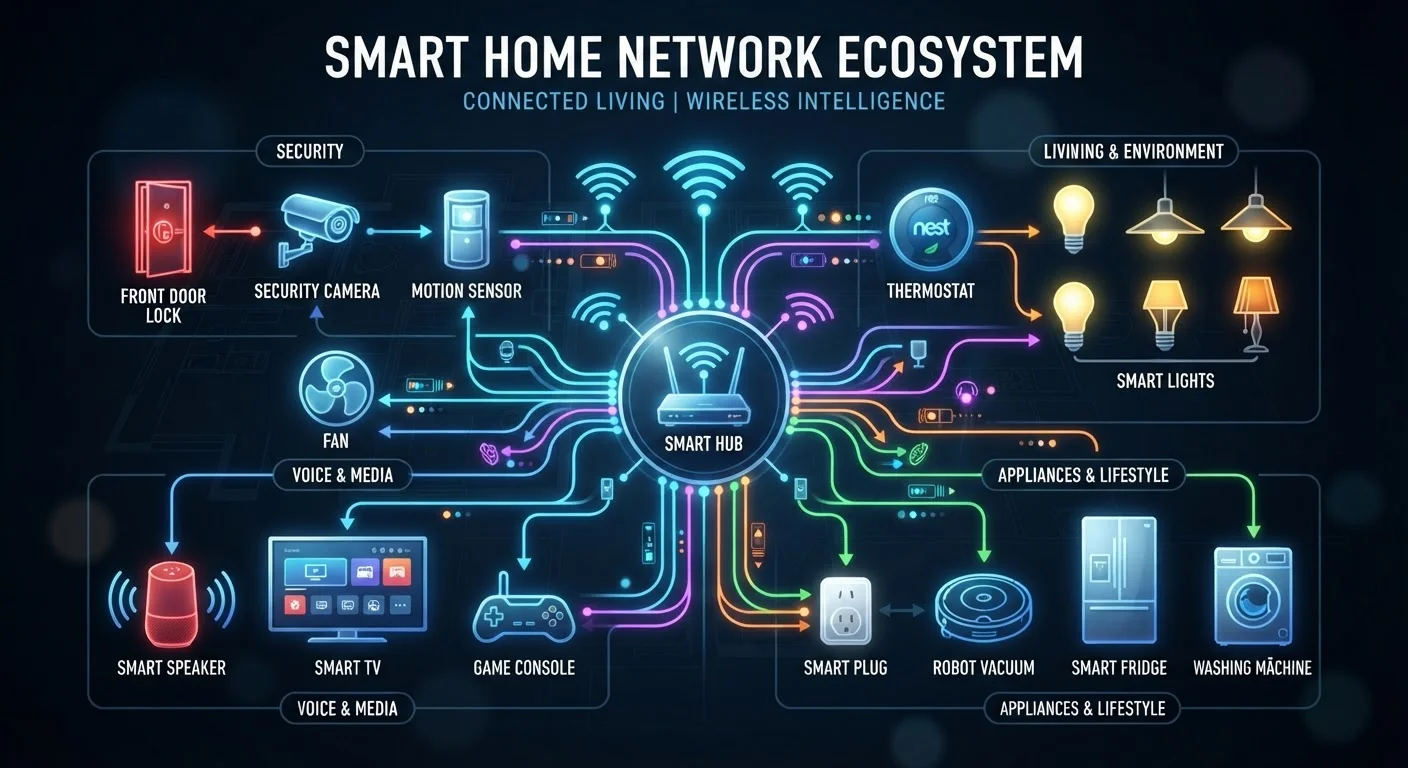
Why Protocols Matter in a Smart Home
When you plug in a smart bulb or connect a door lock to an app, there's a wireless language carrying every command between your phone, your hub, and that device. These languages are called wireless protocols, and each one makes different trade-offs around range, power use, speed, and network structure.
Choosing devices that use incompatible protocols - or stacking too many together without understanding how they interact - is one of the most common reasons smart home setups become unreliable or hard to manage. Before you add more gadgets, it pays to know what's running underneath.
For a broader foundation, see our home network fundamentals guide - it covers the basics every connected-home owner should know before adding devices.
| Wi-Fi typical frequency | 2.4 GHz or 5 GHz |
| Zigbee frequency | 2.4 GHz |
| Z-Wave US frequency | ~908 MHz |
| Thread frequency | 2.4 GHz |
| Hub required | Yes for Zigbee, Z-Wave, Thread; No for Wi-Fi |
| Best for battery devices | Zigbee, Z-Wave, Thread |
| Best for high bandwidth | Wi-Fi |
| Matter protocol layer | Thread (plus Wi-Fi and Ethernet) |
The Four Main Protocols Compared
Wi-Fi
Wi-Fi is the protocol most people already have. Smart devices that use Wi-Fi connect directly to your home router, which means no separate hub is needed. The advantage is high bandwidth - ideal for cameras or video doorbells that stream footage. The trade-off is power consumption: Wi-Fi radios draw significantly more energy than alternatives, making it a poor fit for battery-powered sensors. A crowded Wi-Fi network with many devices can also experience congestion. Our article on how Wi-Fi signals and speeds work explains congestion in detail.
Zigbee
Zigbee uses a mesh network topology - each mains-powered device can relay signals to others, extending range without a direct router connection. It operates on the 2.4 GHz band, uses very little power, and supports large networks of sensors, bulbs, and switches. The main limitation: Zigbee requires a compatible hub or coordinator, and not all Zigbee devices from different manufacturers interoperate cleanly.
Z-Wave
Z-Wave is similar to Zigbee in its mesh networking approach but operates on sub-gigahertz frequencies (around 908 MHz in the US). This lower frequency gives it better wall penetration and less interference from Wi-Fi and Bluetooth. Z-Wave has stricter certification requirements, which generally means stronger cross-brand compatibility - but there's a smaller overall device ecosystem compared to Zigbee. A hub is still required.
Thread
Thread is a newer mesh protocol designed specifically for low-power smart home devices. It runs on the 2.4 GHz band and is IP-based, meaning devices can communicate directly over an internet protocol rather than through a proprietary gateway. Thread is the radio layer that the Matter smart home standard relies on, making it increasingly relevant as the industry moves toward broader interoperability.
Wireless protocol
A set of rules governing how devices communicate wirelessly - defining the frequency, data format, and network structure they use to send and receive signals.
Mesh network
A network architecture where each device can relay data for other devices, extending coverage without requiring every device to connect directly to a central hub or router.
Hub (coordinator)
A central device that manages communication between smart home devices using protocols like Zigbee or Z-Wave. It translates device signals and connects them to your home network or the internet.
Thread
An IP-based mesh networking protocol designed for low-power smart home devices. It underpins the Matter standard and allows devices to communicate using standard internet protocols without a proprietary gateway.
Interoperability
The ability of devices from different manufacturers to communicate and work together without requiring special adapters or workarounds.
Sub-gigahertz frequency
A radio frequency below 1 GHz (such as Z-Wave's ~908 MHz band in the US). These frequencies travel farther and penetrate walls more effectively than higher frequencies like 2.4 GHz.
Practical Guidance for Building a Reliable Setup
You don't need to pick just one protocol, but you should be intentional. Here's how to think through your choices:
- For high-bandwidth devices (cameras, video doorbells): Wi-Fi is usually the right fit. Just monitor how many Wi-Fi clients your router is handling - every device adds load. A mesh Wi-Fi system can help distribute that load across a larger home.
- For battery-powered sensors and switches: Zigbee, Z-Wave, or Thread are far more efficient. A single set of batteries in a Z-Wave door sensor can last years.
- For broad compatibility across brands: Z-Wave's certification process provides stronger guarantees. Thread combined with Matter is the emerging answer for new purchases.
- For large homes or thick walls: Z-Wave's lower frequency gives it an edge in penetrating obstacles. Zigbee mesh can compensate with enough repeater devices.
Security is also worth considering for any connected device. Our guide on securing home devices walks through the practical habits - firmware updates, network segmentation, and router settings - that reduce real risk across all protocols.
When in doubt, check what hub or controller you already own before buying new devices. Building around a single ecosystem's hub usually delivers a smoother experience than mixing multiple hubs running different protocols simultaneously.
